Lumify Support Page
Questions about Lumify? Find everything you need, including app download instructions, product manuals, device compatibility lists, and other helpful resources below.
Resource center topics
- Technical documents (resource center - IFUs, manuals, privacy notices): Resource Center
- DICOM Statements: DICOM Statements
- Compatibility list: List of Compatible Devices
How to get started with Lumify

Get Started with Lumify

Lumify App Menu

Lumify App Settings

Perform a Lumify Exam

Lumify Export Destinations

Lumify Connectivity Profile

Lumify Export Destinations

Philips Lumify Transducer Overview

Lumify for iOS
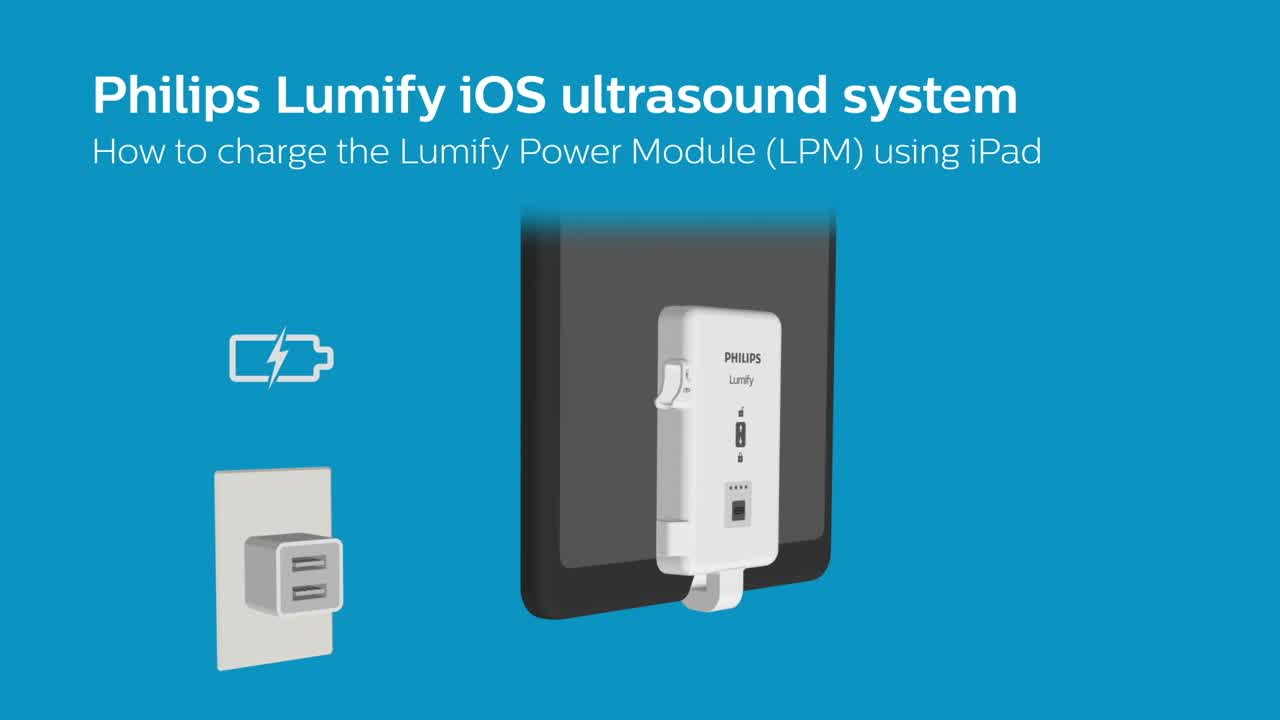
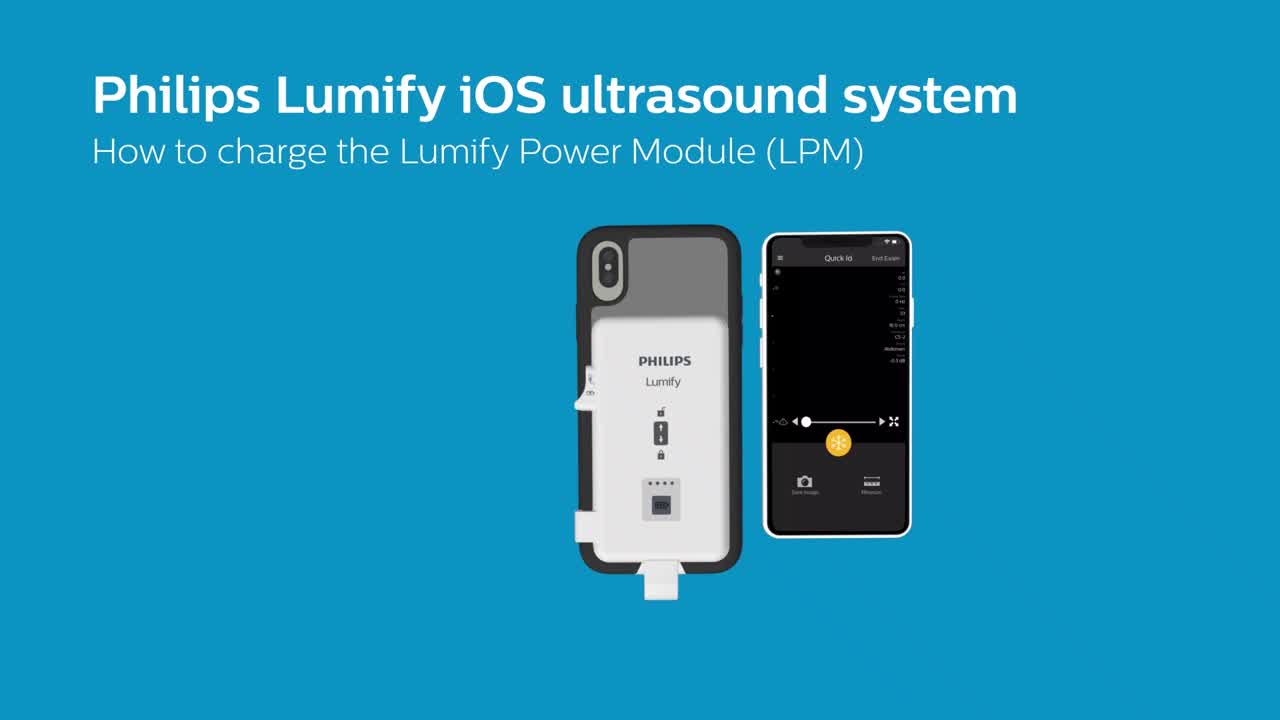
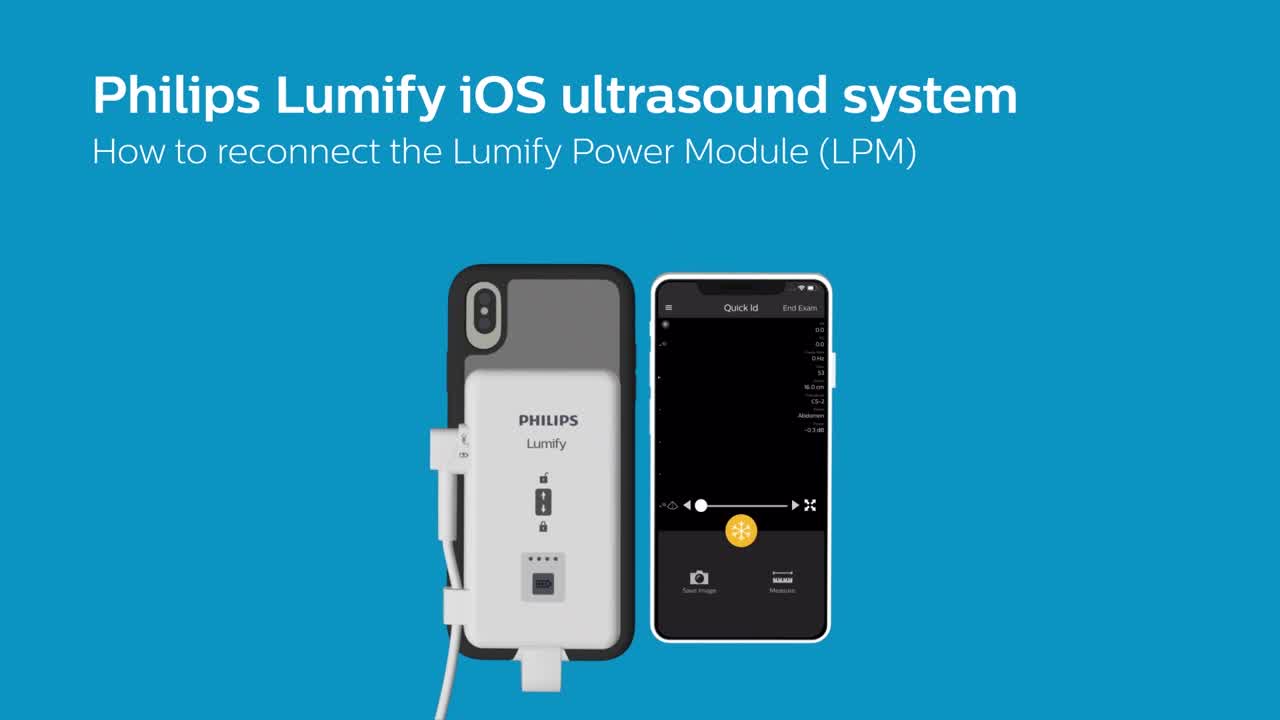
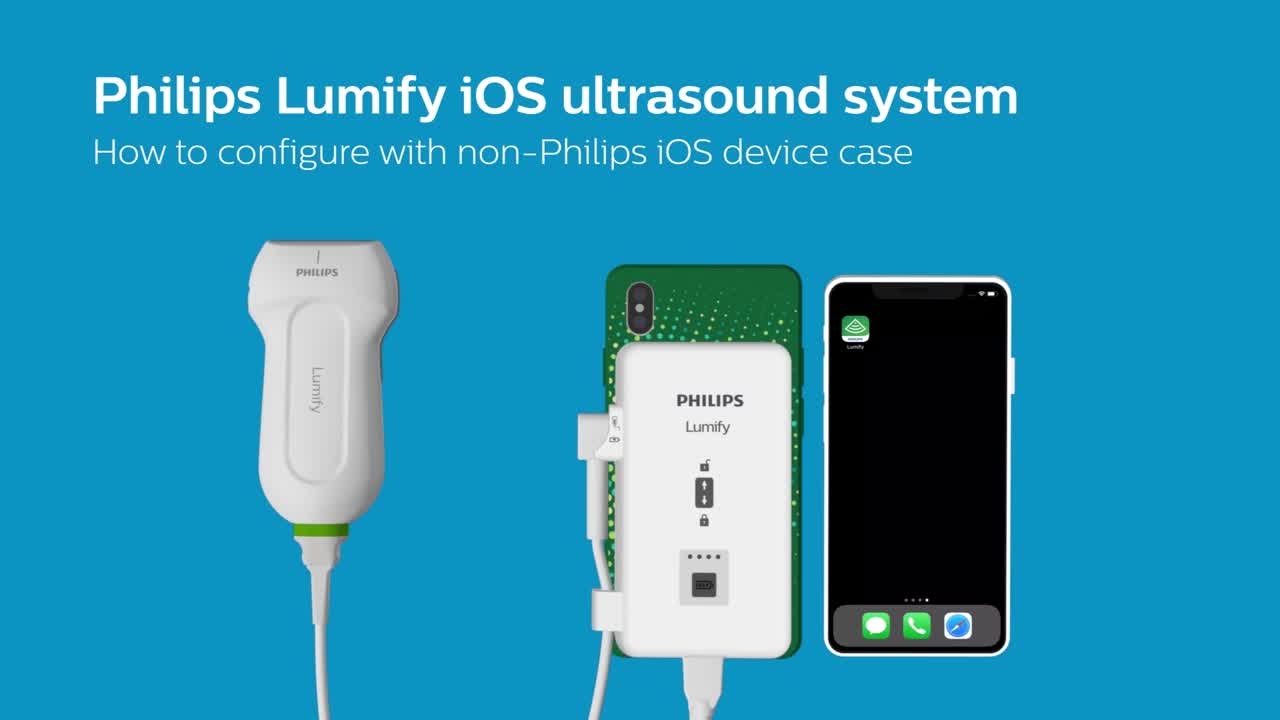
Philips Lumify iOS ultrasound system: how to configure with non-Philips iOS device case
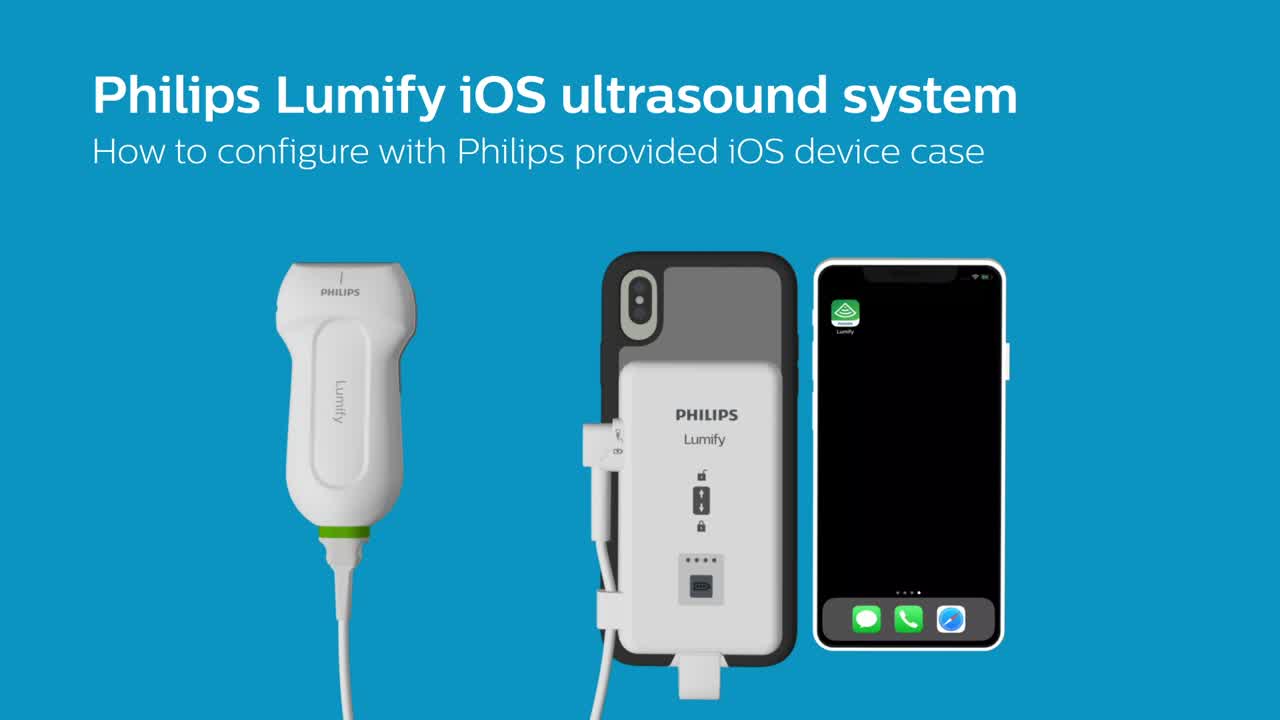
Lumify on Apple: how to configure with Philips iOS device case
Lumify with Reacts

Philips Lumify with Reacts part 1 - Getting started

Philips Lumify with Reacts - Getting started part 3

We're here to help you
Email us
Fill out our contact form and we will get in touch with you within 24 hours. Contact us
Call us
Call 1-800-722-9377 and select option 1 to reach a Philips Customer Care Solutions Center Agent. The agent will take your information and connect you to a remote support engineer to troubleshoot your issue. (8AM-8PM EST, Monday-Friday)